5 Best WooCommerce Social Login Plugins In 2026
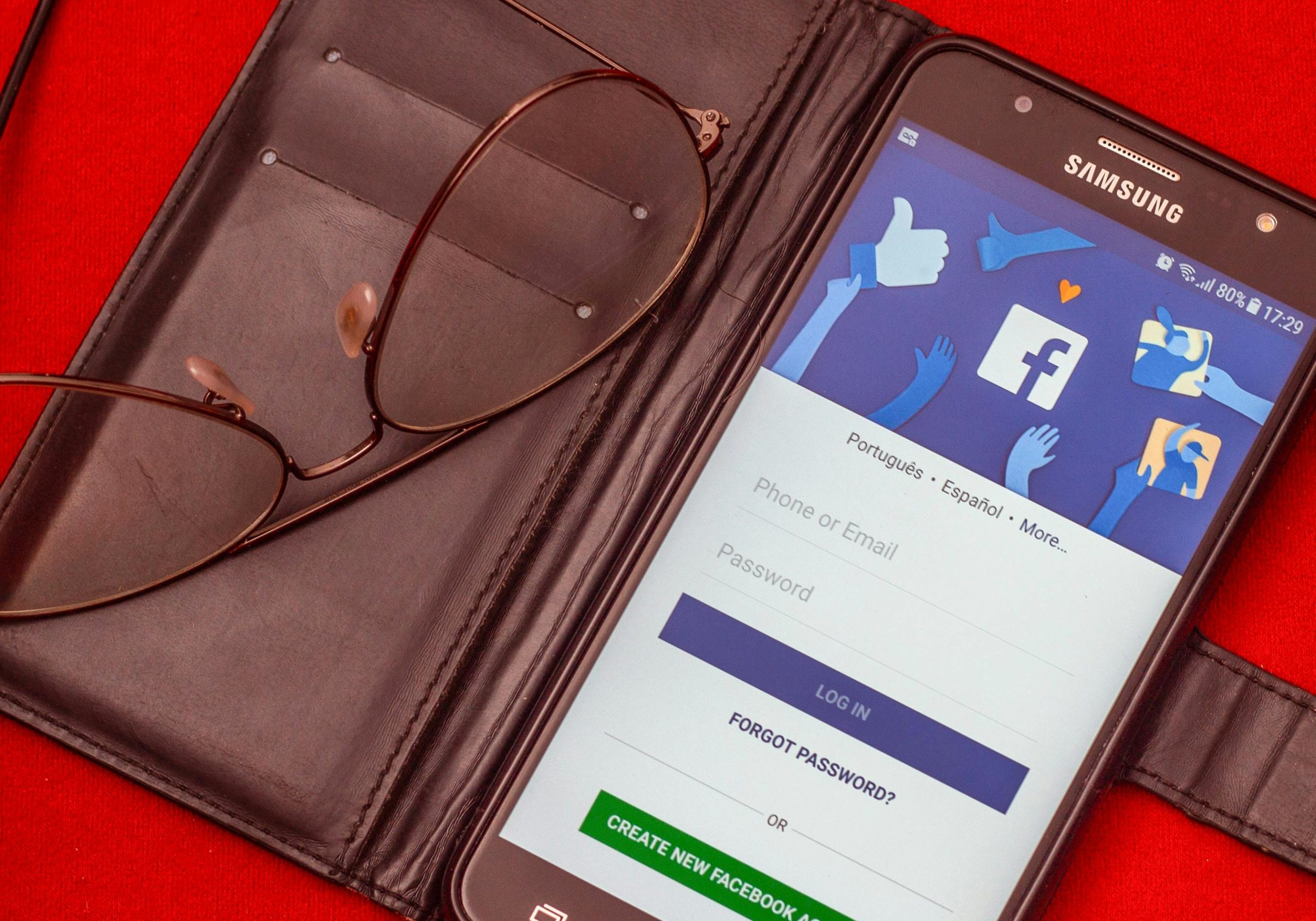
Typing out a full registration form to buy one thing you’ll probably never buy again from that store is exactly the kind of friction that makes people abandon a cart. WooCommerce social login plugins fix that specific problem: they let a shopper register or sign in with an account they already have, Google, Facebook, or another platform, instead of inventing yet another password. This guide covers five plugins that are genuinely still sold, maintained, and safe to install as of 2026, and it flags one popular option you should avoid and why.
What these plugins actually do
A WooCommerce social login plugin adds one or more branded buttons (“Continue with Google,” “Sign in with Facebook”) to the login, registration, and checkout screens. Clicking one sends the shopper through the platform’s own authentication flow, then creates or matches a WordPress user account using the email address and basic profile data the platform shares back. The store never sees the shopper’s social media password, only the confirmation that the platform verified their identity.
Beyond convenience, the practical benefits store owners actually care about are a shorter registration form (fewer abandoned signups), fewer “forgot password” support tickets, and social accounts that are pre-verified, which cuts down on throwaway spam registrations compared to a plain email form. None of these plugins replace your store’s own security practices; they add a login method, not a substitute for keeping WordPress core, WooCommerce, and every other installed plugin updated.
A plugin to avoid: Super Socializer
Super Socializer, a long-popular free social login and sharing plugin, was closed on the WordPress.org plugin directory on June 18, 2026, for a security issue, and it is no longer available for download from the official repository. If you or a previous developer installed it on a store before that date, it should be removed or replaced immediately, since a plugin pulled for a security issue receives no further official patches through the directory. Any list still recommending it is working from stale information.
Criteria for choosing a social login plugin
- Active maintenance. Check the plugin’s last update date before installing anything, free or paid, given how quickly OAuth requirements from platforms like Google and Facebook change.
- Platform coverage that matches your customers. Google and Facebook cover most general audiences; consider whether your specific customer base actually uses the other platforms a plugin advertises before paying extra for broad coverage you won’t use.
- HPOS and checkout block compatibility. If your store uses WooCommerce’s newer High-Performance Order Storage or block-based checkout, confirm the plugin explicitly supports both before buying.
- Data handling transparency. Confirm what user data gets pulled from the social platform and stored locally, and that this is disclosed in your store’s privacy policy.
- Button placement control. A plugin that only adds buttons to the WordPress login screen is less useful than one that can place them directly on the WooCommerce checkout and My Account pages, where the friction actually happens.
The 5 best WooCommerce social login plugins
1. YITH WooCommerce Social Login
YITH’s dedicated WooCommerce social login plugin is actively maintained, with a release as recent as August 20, 2026 at the time of writing, and is used by close to 5,000 customers with a 4.5 out of 5 rating and a stated 97 percent customer satisfaction figure on YITH’s own site. It supports eleven social networks including Facebook, Twitter, Google, GitHub, LinkedIn, and Yahoo, comes with a 30-day money-back guarantee, and includes customizable button placement to match your store’s checkout design. Exact current pricing is shown at checkout on yithemes.com rather than as a flat number on the product page, so confirm the figure there before buying.
2. Social Login for WooCommerce (by Automattic)
Sold directly on woocommerce.com, this is the official WooCommerce.com extension for social login, carrying an “Excellence verified” badge that WooCommerce.com applies to extensions meeting its elevated security and compatibility bar. It supports Facebook, Twitter, Google, Amazon, LinkedIn, PayPal, and Disqus, and is explicitly compatible with cart and checkout blocks as well as High-Performance Order Storage, which matters if your store has migrated to WooCommerce’s newer order storage system. It’s billed as an annual subscription; check the current price in your local currency on the product page, since WooCommerce.com prices are shown by region.
3. Nextend Social Login and Register
Nextend is a free, extremely widely used option on the WordPress.org plugin directory, currently showing 200,000+ active installations and a 4.9 out of 5 rating from 446 reviews, with an update as recent as late July 2026. It supports Google, Facebook, Twitter, LinkedIn, and other providers through free and paid add-ons, and works on standard WordPress sites as well as WooCommerce stores. Given its scale and update frequency, it’s a strong default choice for stores that want a free, well-supported option rather than a paid one, and it’s the plugin worth considering as a like-for-like replacement for anyone currently running the now-closed Super Socializer.
4. ProfilePress
ProfilePress is a broader WordPress membership plugin, used on over 100,000 sites, that includes a Social Login addon supporting Facebook, Twitter, Google, LinkedIn, Yahoo, Microsoft, Amazon, GitHub, VK, and WordPress.com accounts. It’s a good fit if your store also needs membership features, gated content, or a custom-built registration form beyond what a narrowly scoped social login plugin offers, since social login here comes bundled with a much larger toolkit rather than as a single-purpose plugin. Confirm current pricing on profilepress.com, since it is sold through tiered annual plans rather than a flat one-time fee.
5. Social Login, Social Sharing by miniOrange
Built by miniOrange, an established identity and access management vendor, this plugin currently shows 10,000+ active installations and a 4.6 out of 5 rating from 356 reviews, with an update within the past day at the time of writing, an unusually fast cadence that suggests active ongoing development. The free version covers core social login and sharing; the premium version adds the ability to place login buttons directly on WooCommerce checkout, registration, and login pages specifically, along with role assignment for users who register through social accounts.
How the five compare
| Plugin | Cost | Best for | Notable strength |
|---|---|---|---|
| YITH WooCommerce Social Login | Paid | Stores already using other YITH plugins | Deep WooCommerce-specific integration |
| Social Login for WooCommerce (Automattic) | Paid | Stores on checkout blocks or HPOS | Official Excellence-verified extension |
| Nextend Social Login and Register | Free (paid add-ons) | Budget-conscious stores wanting a proven free option | Largest install base, high rating |
| ProfilePress | Paid | Stores needing membership features too | Bundled with a full membership toolkit |
| miniOrange Social Login | Free (premium tier) | Stores wanting an identity-vendor-backed option | Very frequent updates |
Common mistakes when setting one up
- Forgetting to register the app with each platform. Every social login integration requires creating a developer app with Google, Facebook, or whichever platform, and entering API keys into the plugin. Skipping this step, or using placeholder demo keys, is the single most common reason a “working” plugin shows broken buttons in production.
- Not testing the account-merge behavior. If a customer already has a store account under an email address and then logs in via a social account using that same email, plugins vary in whether they merge the accounts automatically or create a duplicate. Test this specific scenario before launch, since duplicate accounts fragment order history.
- Ignoring mobile app-switching behavior. On mobile, tapping “Continue with Facebook” often opens a separate app or in-app browser before returning to your site. Test the full round trip on an actual phone, not just desktop, since this flow breaks more often than developers expect.
- Treating social login as the only registration option. Not every shopper wants to link a social account to a purchase. Keep a standard email registration option available alongside social buttons rather than replacing it entirely.
A worked example: replacing a closed plugin without breaking existing accounts
A mid-sized online homeware store had run Super Socializer for close to three years, with roughly 40 percent of its registered customers having originally signed up through a Facebook or Google button. When the plugin was pulled from WordPress.org for a security issue, the store owner faced a specific problem beyond simply installing something new: those existing customers needed to keep logging in through the same buttons without losing their order history or being forced to create new accounts.
The migration went in four steps. First, the store kept Super Socializer running just long enough, isolated on a staging copy of the site, to confirm exactly which user meta fields it had used to record each customer’s linked social account and platform. Second, Nextend Social Login and Register was installed on the live site and configured with new developer app credentials for Google and Facebook, since reusing the old app’s keys wasn’t possible once the original plugin’s app registration was tied to code no longer running. Third, existing customers were not silently switched over. Instead, the next time each one tried to log in with their social button, the flow matched them to their existing WordPress account by email address, the same email their Google or Facebook account had originally shared, and linked the new plugin’s records to that same account rather than creating a duplicate.
Fourth, and easy to skip under time pressure, the store sent a short email to customers who had used social login before, explaining that login buttons might look slightly different and that their account and order history were unaffected. A handful of support tickets came in anyway from customers whose social platform login state had changed in the meantime, but the account-matching-by-email step meant zero duplicate accounts were created and zero order histories were lost. The whole migration, from decision to fully live, took about a week, most of it spent testing the email-matching behavior rather than installing the new plugin itself.
The general lesson holds beyond this specific case: when replacing any login-related plugin, the risk is rarely the new plugin failing to work. It’s existing customer accounts fragmenting because the old and new plugin identify “the same customer” differently. Test that specific scenario, with a real test account that mirrors an existing customer’s setup, before pointing a migration at your live user base.
Weighing paid extensions against free plugins for this specific feature
Social login sits in an unusual spot for a buying decision: the feature itself, adding a branded button, is not inherently complex, which is why strong free options like Nextend exist and are genuinely competitive with paid ones. What paid options like the official WooCommerce.com extension or YITH’s plugin tend to add is not more buttons but more integration depth: guaranteed compatibility with a specific ecosystem (checkout blocks, HPOS, other YITH plugins), a support channel you can actually contact when something breaks during a sale, and a vendor with a direct commercial incentive to keep pace with each platform’s frequently changing OAuth requirements.
For a small store running a simple, mostly unmodified WooCommerce setup, a well-maintained free plugin is frequently the right call, and there is no meaningful feature gap for basic Google and Facebook login. For a larger store running custom checkout code, multiple other WooCommerce extensions, or handling enough transaction volume that a broken login flow during a sale is genuinely costly, the paid options’ tighter integration testing and support access earn their price. Neither choice is wrong in the abstract; the decision should follow from how much custom complexity sits around your checkout, not from a general assumption that paid always means better.
FAQ
Is Super Socializer safe to keep running if it’s already installed?
No. A plugin closed on WordPress.org for a security issue will not receive further updates through the official directory, and the closure notice specifically cites a security issue rather than a routine cleanup. Replace it with an actively maintained alternative like Nextend Social Login and Register as soon as possible, and audit the site for signs of compromise if it has been running for an extended period since the closure.
Does social login work with WooCommerce’s new block-based checkout?
It depends on the plugin, and this is worth confirming before you buy rather than after. The official WooCommerce.com Social Login extension explicitly states compatibility with cart and checkout blocks. Older or less actively maintained plugins may only support the classic shortcode-based checkout, so check the current changelog for any plugin you’re considering if your store uses the newer block checkout.
Do free social login plugins collect or sell customer data?
A reputable plugin only requests the data the social platform’s own permission screen discloses to the shopper, typically name, email, and profile picture, and stores it in your WordPress database like any other user data; it does not send that data to the plugin developer. That said, always read a plugin’s privacy documentation before installing it, since practices do vary, and disclose what you collect in your own store’s privacy policy regardless of which plugin you choose.
Will social login buttons slow down my checkout page?
The buttons themselves are lightweight, but the JavaScript SDKs some platforms require to power them can add noticeable page weight if a plugin loads every platform’s SDK on every page rather than only when needed. Test your checkout page’s load time with your chosen plugin active, and only enable the specific platforms you actually intend to support, since needlessly supporting seven platforms when your customers only use two adds load time for no benefit.
What happens to a customer’s account if they revoke access from the social platform’s side?
Revoking access on Facebook or Google’s side stops that platform from sharing new login confirmations, but it typically doesn’t delete the WordPress user account the plugin already created. The customer would need to use a password reset flow, if one exists, or contact the store directly to regain access, so it’s worth confirming your chosen plugin supports a password-based fallback rather than social login as the only path in.
How do I check whether a social login plugin I’m already running has been closed or flagged for security issues?
The WordPress.org plugin API returns a closure notice directly when a plugin has been pulled, which is the fastest way to check: visiting the plugin’s page on wordpress.org/plugins will show a banner stating it has been closed and the stated reason if the plugin was removed from the directory. For a paid or premium-only plugin not listed on WordPress.org at all, check the vendor’s own changelog and support forum for recent activity; a plugin with no update in over a year and an unresponsive support channel is a warning sign even without a formal closure notice, since it means known compatibility issues with newer WordPress and WooCommerce versions likely aren’t being fixed.
Should I display social login buttons on the checkout page itself, or only on account registration?
Checkout is where the friction actually costs you a sale, so that’s generally the higher-value placement, particularly for guest checkouts where a shopper would otherwise need to create a brand new account mid-purchase just to complete an order. Not every plugin supports checkout-page placement out of the box; some, including miniOrange’s plugin discussed above, gate that specific placement behind their premium tier. If your store’s checkout abandonment is a known problem, prioritize a plugin that explicitly supports checkout-page buttons over one that only covers the standard login and registration screens.
Can I offer social login without also allowing social sharing or commenting features from the same plugin?
Yes, and it’s usually worth doing deliberately. Several plugins in this category, including Nextend and miniOrange’s offering, started as broader social toolkits covering sharing and commenting alongside login, and most let you disable the features you don’t need. Running unused sharing widgets or comment integrations adds page weight and additional attack surface for no benefit if your store only wants the login functionality, so check each plugin’s settings for a way to disable modules you’re not using rather than leaving everything on by default.
Do these plugins work the same way for a multi-vendor marketplace as they do for a single-seller store?
Mostly yes, since social login typically operates at the WordPress user-account level rather than being aware of marketplace-specific roles like vendor or customer. If your store also runs a multivendor plugin such as Dokan or WC Vendors, test that a customer who registers through a social login button lands in the correct default role rather than accidentally being granted vendor-level access, since role assignment during social registration is configured separately from the marketplace plugin’s own vendor approval flow and the two systems don’t always talk to each other cleanly out of the box.