Best Billing and Invoicing Software in 2026 for Freelancers, SMBs, and Agencies
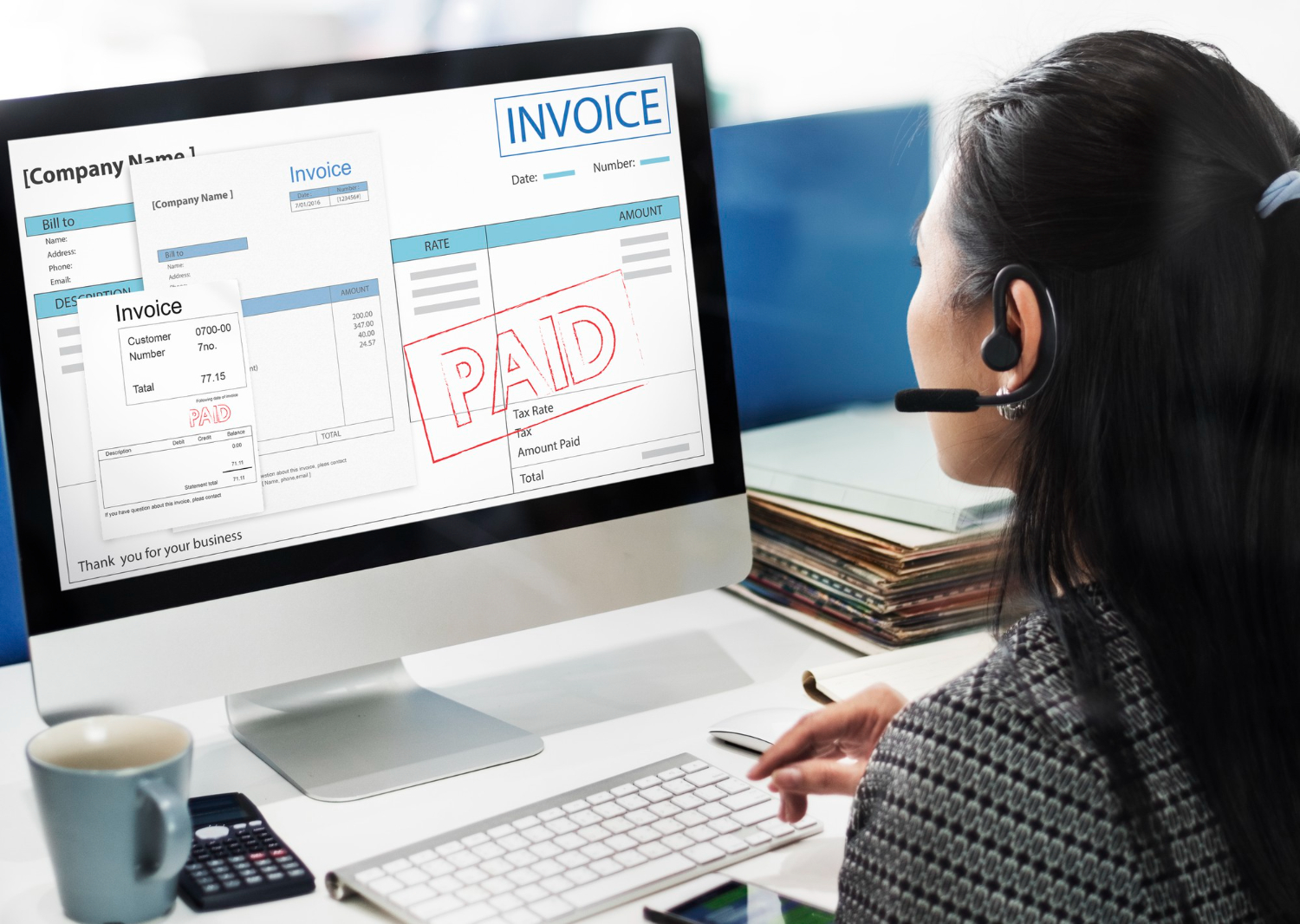
Getting paid is supposed to be the easy part of running a business, the reward for the actual work, and yet it’s often where things fall apart. An invoice sent as a PDF attachment sits unopened in a client’s inbox. A payment gets promised “by Friday” and quietly slides into the following month. A freelancer juggling six clients loses track of who’s paid and who hasn’t until a bank balance forces the question. Billing and invoicing software exists specifically to close that gap between finishing work and actually holding the money, and in 2026 the category has matured well past simple PDF generators into genuine financial infrastructure for small operations.
The best platforms create professional invoices, track payments automatically, chase down late payers without an awkward personal email, and give a real-time read on cash flow rather than a guess based on whatever’s in the checking account. That matters whether you’re a solo freelancer sending five invoices a month or an agency managing dozens of clients and a small team of contractors.
What separates a merely adequate invoicing setup from a genuinely good one usually isn’t the invoice template itself, most of these platforms produce equally professional-looking PDFs. It’s everything that happens around the invoice: how quickly it gets sent after work wraps, how consistently reminders go out before and after the due date, and how easy the platform makes it for a client to actually pay without hunting for a checkbook or logging into a separate banking portal.
Top Billing and Invoicing Software for 2026
1. FreshBooks
FreshBooks built its reputation on being the invoicing tool that doesn’t feel like accounting software, which matters more than it sounds for the huge number of freelancers and small service businesses who need professional invoices without wanting to learn double-entry bookkeeping. Time tracking, expense capture, and basic accounting come bundled in, and the invoicing itself supports automated payment reminders and built-in online payments so clients can pay directly from the invoice rather than needing a separate step.
It’s particularly strong for anyone billing by the hour, consultants, agencies, freelance developers, since the time-tracking-to-invoice pipeline is genuinely seamless. Log hours against a project, generate the invoice from those logged hours automatically, and the math is never off by a rounding error the way manual entry sometimes produces.
2. QuickBooks
QuickBooks combines invoicing with the kind of comprehensive accounting that eventually becomes necessary once a business grows past the simplest structure. Custom invoice templates, automated payment tracking, and direct syncing with bank feeds mean the invoicing side of the business stays connected to the full financial picture rather than living in its own silo that someone has to manually reconcile against the books every month.
The tradeoff for that depth is a steeper learning curve and a noticeably higher price point than pure invoicing tools like Wave or Zoho Invoice. For a sole proprietor sending a handful of invoices, QuickBooks is often more machinery than necessary. For a small business that also needs payroll, tax prep support, and real financial reporting, the extra complexity earns its keep.
3. Wave
Wave remains one of the rare genuinely useful pieces of software that’s free for its core invoicing and accounting features, funded instead by payment processing fees when clients pay through the platform. That pricing model makes it a natural starting point for freelancers and very small businesses where every dollar of software spend gets weighed against actual necessity.
The free tier isn’t a stripped-down trial either, it includes real double-entry accounting, unlimited invoicing, and receipt scanning for expense tracking. Where it shows its limits is customer support (largely self-serve) and scaling past a certain size, where growing businesses often find themselves outgrowing Wave’s feature ceiling and migrating to QuickBooks or Xero. For anyone just starting out, though, it’s hard to argue with genuinely free professional invoicing.
4. Zoho Invoice
Zoho Invoice punches well above its price point, which for the core product is free for solo users, with time tracking, project management, and strong automation for recurring billing built in natively. Multi-currency support handles international clients cleanly, converting and displaying amounts in the client’s local currency without manual calculation, which matters increasingly for freelancers and agencies working with clients scattered across time zones and currencies.
Its biggest strength is how well it plays with the rest of the Zoho ecosystem, Zoho CRM, Zoho Books, Zoho Projects, so businesses already using other Zoho products get a genuinely unified system rather than a billing tool bolted onto unrelated software. Standalone, it’s still strong, just slightly less distinctive than when paired with its siblings.
5. HoneyBook
HoneyBook takes a different angle entirely, serving creative professionals, photographers, wedding planners, designers, consultants, with proposals, contracts, and invoicing unified into a single client journey rather than treating invoicing as a standalone task. A potential client can receive a proposal, sign a contract, and pay a deposit all through the same branded flow, without a single separate email or attachment changing hands.
That end-to-end approach makes it less of a pure invoicing tool and more of a client relationship platform with invoicing as one piece of a bigger picture. For businesses where the client relationship starts well before any work begins, an inquiry, a proposal, a booking, that unified flow saves real time and looks considerably more professional than a scattered collection of separate tools duct-taped together.
6. Bill.com
Bill.com focuses on the accounts payable and receivable side of a business more holistically, handling not just outgoing invoices but the incoming bills a business needs to pay too, vendors, contractors, suppliers. For businesses managing significant two-way cash flow, paying out as much as they’re billing in, that unified view of money going both directions gives a clearer real-time picture than a tool that only tracks receivables.
It integrates deeply with QuickBooks and other accounting platforms rather than trying to replace them outright, positioning itself as the payments layer sitting on top of existing accounting software. That makes it a strong add-on for a growing business rather than a starting point for a solo freelancer just beginning to formalize their invoicing.
7. Invoice Ninja
Invoice Ninja stands out specifically for offering a genuinely capable open-source, self-hosted option alongside its cloud version, appealing to businesses with real data sovereignty concerns or who simply prefer owning their invoicing infrastructure outright rather than renting it indefinitely. The feature set covers recurring invoices, time tracking, and client portals comparable to the paid competitors above, at a noticeably lower price point for the cloud-hosted version.
Self-hosting requires actual technical comfort, setting up and maintaining a server, that most small business owners won’t want to take on themselves. For agencies or businesses with in-house technical staff who value control over their financial data, though, it’s one of the only names on this list offering that option at all.
Related Financial Tools
Optimize your business finances with payroll processing software for employee payments, budgeting tools for financial planning, and workflow automation to streamline repetitive tasks.
Why Payment Speed Matters More Than People Assume
Invoice payment timing has a compounding effect on a small business that’s easy to underestimate until it’s actually causing a cash crunch. A business that consistently waits forty-five days to get paid, versus one that gets paid in fifteen, is effectively operating with a much smaller cash cushion for the same volume of work, since money owed but not yet received can’t cover payroll, rent, or supplier costs no matter how solid it looks on a balance sheet.
The features that actually move that number aren’t glamorous. Automated payment reminders, sent without the awkwardness of a personal follow-up email, reduce average days-to-payment noticeably across most of the platforms above. Built-in online payment options, letting a client pay by card or bank transfer directly from the invoice rather than mailing a check, cut days off the payment cycle simply by removing friction. Clear, itemized invoices with an obvious due date and payment terms reduce the “wait, what am I even paying for” confusion that quietly delays a surprising number of payments.
Setting Payment Terms That Actually Get Honored
How an invoice is worded changes how fast it gets paid, more than most business owners expect. Net-30 terms have become such a default that clients treat them as a soft suggestion rather than a real deadline, quietly stretching to net-45 or net-60 because nothing about the invoice actually communicated urgency. Shorter terms, net-15 or even due-on-receipt for smaller invoices, reset that expectation and tend to get honored more literally, particularly when paired with a small early-payment discount or a clearly stated late fee.
Requiring a deposit before starting larger projects, something HoneyBook in particular makes easy to build into a standard workflow, also protects cash flow directly rather than relying entirely on the final invoice landing on time. For project-based work, splitting billing into a deposit, a midpoint payment, and a final invoice spreads risk and keeps cash moving throughout a project instead of concentrating all the payment risk into one large invoice at the very end.
Handling Late Payments Without Damaging the Relationship
Every one of these platforms automates reminder emails, but automation alone doesn’t solve a client who’s genuinely avoiding a bill. When an automated reminder gets ignored past a second or third attempt, a direct, personal follow-up, a short email or a phone call, tends to work better than escalating the automated reminder’s tone, which can come across as passive-aggressive rather than firm. Most late payments come from disorganization rather than bad faith, and a quick human nudge often resolves what automation alone couldn’t.
For invoices that go genuinely unpaid past sixty or ninety days, most of the platforms above support late fees that compound automatically, which at minimum creates a real incentive and at best recovers some of the cost of the delay. Beyond that point, a frank conversation about the relationship, and in persistent cases, a collections process or small claims filing, becomes the more honest path forward rather than continuing to send reminder after reminder into a void.
It’s worth deciding on a firm internal policy for exactly when each of these escalation steps kicks in before the situation actually arises, rather than improvising in the moment with a specific client whose payment is overdue. Having that policy defined in advance, and applying it consistently across every client, removes a lot of the emotional difficulty of chasing a late payment, since it becomes a standard business process rather than a personal confrontation each time it happens.
Currency, Tax, and Compliance Details That Get Overlooked
Businesses billing across borders run into a set of small but consequential details that a domestic-only invoicing setup never has to think about. Displaying an invoice in the client’s local currency rather than only your own reduces the mental friction of an international payment, and platforms with genuine multi-currency support, Zoho Invoice in particular, handle the conversion and display automatically rather than requiring a manual calculation on every invoice.
Tax handling varies considerably by jurisdiction, and a business selling into the EU, for instance, may need VAT-compliant invoices with specific required fields that a US-only invoicing template won’t include by default. Sales tax obligations in the US similarly vary by state and by whether a business has established tax nexus there, a genuinely complex area that’s worth involving an accountant on directly rather than assuming any single invoicing platform handles it correctly out of the box. Most of the platforms above support custom tax rates and templates, but the responsibility for applying the right rate to the right client still sits with the business owner, not the software.
Choosing Based on How You Actually Bill
The right platform depends heavily on billing structure rather than business size alone. Hourly billing tied closely to logged time points naturally toward FreshBooks, where the time-tracking-to-invoice pipeline is the tightest. Businesses needing full accounting, payroll, and tax support alongside invoicing outgrow pure invoicing tools and belong on QuickBooks. Solo freelancers and very early-stage businesses watching every dollar of overhead do well starting on Wave’s free tier, upgrading only once the business has actually outgrown it rather than preemptively. International freelancers billing clients across currencies benefit disproportionately from Zoho Invoice’s native multi-currency handling. And client-facing creative businesses where the relationship starts with a proposal rather than a completed deliverable get the most value from HoneyBook’s unified flow.
What Actually Belongs on a Professional Invoice
A surprising number of overdue invoices trace back to the invoice itself being unclear rather than the client being unwilling to pay. A genuinely professional invoice includes an itemized breakdown of exactly what’s being billed, not just a single lump total, since clients (particularly on the business side, where an invoice often needs to pass through someone else’s approval before payment) are far more likely to pay promptly when they can see precisely what they’re paying for without needing to email back and ask.
Beyond line items, every invoice needs a clearly stated due date rather than a vague payment term buried in fine print, the accepted payment methods spelled out explicitly, and a unique invoice number for both your own record-keeping and the client’s internal accounting. Contact information for questions, a purchase order number if the client’s process requires one, and a brief description connecting the invoice back to the actual work or agreement all reduce the friction that causes a client to set an invoice aside “to deal with later,” which is often where late payments actually begin.
Automating Recurring Revenue Without Losing Accuracy
For businesses with retainer clients or subscription-style services, recurring invoicing is one of the most valuable features across every platform above, generating and sending the same invoice automatically on a schedule rather than manually recreating it every month. The risk with automation is letting it run unattended for too long. A retainer scope that changed three months ago but never got updated in the recurring invoice template quietly either overcharges or undercharges a client for months before anyone notices.
Building a quarterly review into the calendar, checking every active recurring invoice against the actual current agreement, catches these drifts before they become an awkward conversation about a client being billed incorrectly for half a year. Most of these platforms also support usage-based or tiered recurring billing for services that scale with client activity, which is worth setting up properly from the start rather than manually adjusting a flat recurring invoice every time a client’s usage changes.
Conclusion
Getting paid efficiently in 2026 requires invoicing software matching your business model and client needs, not just the platform with the most features on paper. FreshBooks excels for service businesses billing hourly, QuickBooks provides integrated accounting once a business genuinely needs it, and Wave offers powerful free tools for anyone just starting out. Agencies and creatives benefit from HoneyBook’s end-to-end client management, while Zoho Invoice serves international freelancers particularly well, and Bill.com and Invoice Ninja fill more specific gaps around two-way cash flow management and self-hosted control, respectively.
Choose software that reduces invoice-to-payment time while maintaining professional client communications, and remember that the software itself is only half the equation. Payment terms, deposit structures, and how late payments get handled matter just as much as which platform sends the invoice, and no amount of automated reminders fixes an invoice that was confusing, poorly timed, or missing the basic information a client needed to actually process it. The businesses getting paid fastest in 2026 tend to be the ones treating invoicing as a genuine part of client communication, not an afterthought bolted on once the real work is done.