8 Essential Tools for Front End Developers in 2026
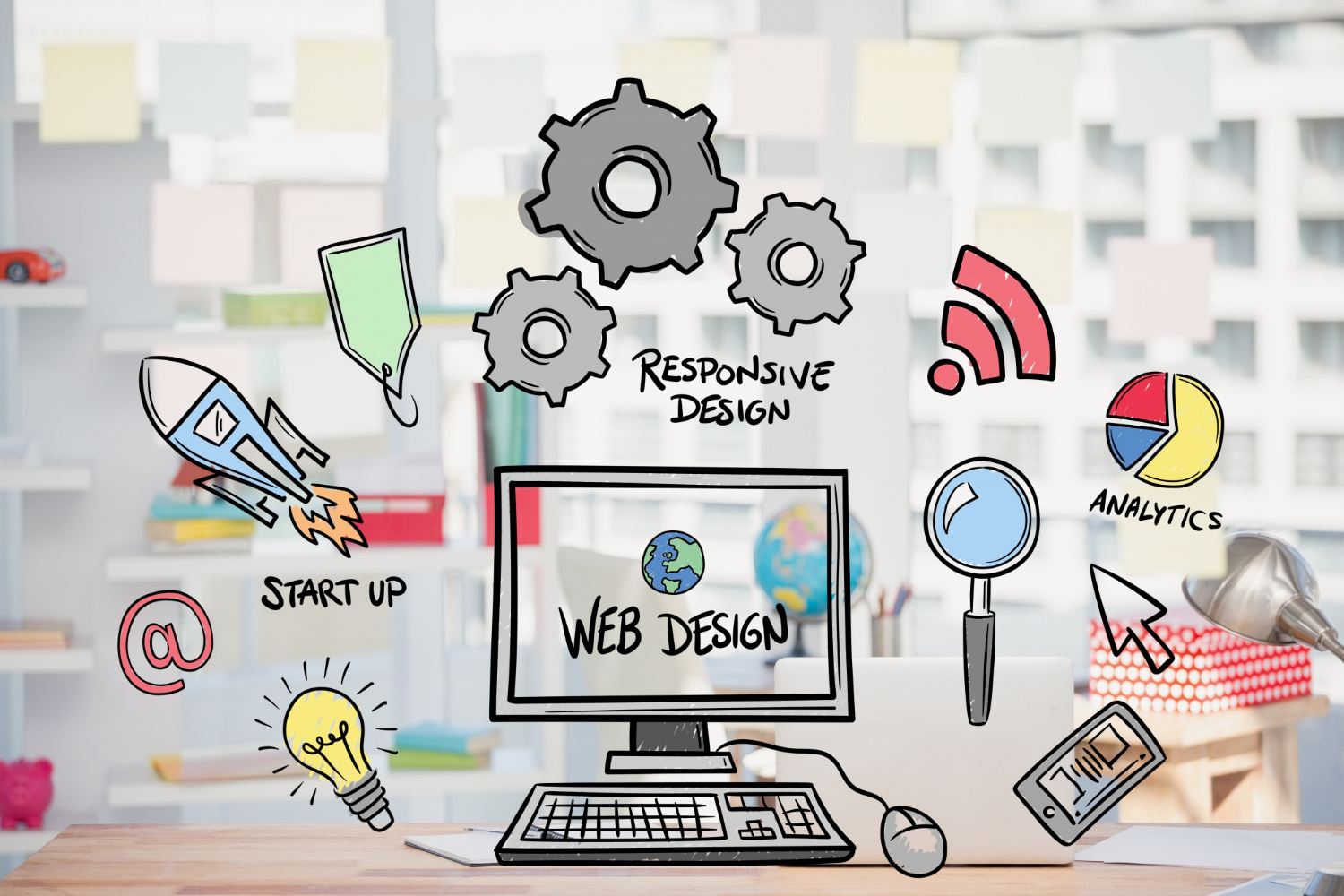
Ask ten front-end developers what’s actually in their daily toolkit and you’ll get ten slightly different answers, but the shape of those answers has converged more than it used to. A few years ago, the tooling conversation was dominated by build system fatigue, endless webpack configuration, competing bundlers, a new framework every quarter promising to fix the last one’s mistakes. That churn has settled down considerably. What’s changed instead is how much of the daily workflow now involves an AI layer sitting alongside the traditional editor and browser tools, not replacing them but genuinely reshaping how much time gets spent on boilerplate versus actual problem-solving.
None of the tools below are exotic or hard to find. What matters more than any individual pick is how they fit together into a workflow that doesn’t fight you: an editor that gets out of the way, a build tool that doesn’t make you wait, a styling approach that scales past a single component, and browser tooling sharp enough to catch a layout bug before a user does. Here’s what that actually looks like in 2026, and why each piece earned its spot rather than just being the popular default.
The Core Toolkit
1. Visual Studio Code
VS Code’s dominance isn’t really in question anymore, and it’s worth understanding why it won rather than just accepting it as the default. It’s genuinely fast for an Electron-based application, its extension marketplace covers essentially every language and framework combination a front-end developer touches, and Microsoft’s continued investment in the editor (rather than letting it stagnate once it won the market) has kept it ahead of alternatives that looked briefly competitive a few years back. The built-in integrated terminal alone eliminates a huge amount of window-switching friction that older editor setups required.
What actually makes a VS Code setup productive is less the editor itself and more the specific extension stack layered on top. ESLint and Prettier catch and auto-fix formatting and code quality issues before they ever reach a pull request, which sounds minor until you’ve worked on a team without that discipline and watched code review devolve into arguments about semicolons. GitLens turns git blame and history into something genuinely readable inline rather than a separate terminal command, and Live Server remains a small but real time-saver for anyone doing quick static prototyping outside a full build pipeline. Auto Rename Tag, unglamorous as it sounds, quietly prevents one of the most common and annoying markup bugs: editing an opening tag and forgetting to update its matching close tag three lines down.
2. Vite
Vite didn’t just become popular, it fundamentally changed what developers expect from a dev server. Where older bundlers rebuilt an entire dependency graph on every save, Vite serves native ES modules directly to the browser during development and only bundles for production, which means hot module replacement updates in milliseconds regardless of how large the project has grown. That’s not a marginal improvement; it’s the difference between a developer staying in flow while iterating on a component and losing focus waiting for a rebuild every few minutes across a full workday.
It’s also genuinely framework-agnostic in a way that matters for teams that don’t want to relearn tooling every time they switch between projects using React, Vue, Svelte, or vanilla TypeScript. Its plugin ecosystem has matured enough that most of the custom webpack configuration teams used to hand-roll now has a maintained Vite equivalent, and for the rare cases where it doesn’t, Rollup underneath (which Vite uses for production builds) is flexible enough to fill the gap. The migration story from an older webpack setup is rarely painless, since existing loader configurations and plugins don’t map one-to-one, but for any new project in 2026, defaulting to Vite over configuring webpack from scratch is close to a solved decision.
3. Tailwind CSS
Tailwind’s utility-first approach was genuinely controversial when it first gained traction, developers trained on semantic class names and separated concerns found the idea of dozens of utility classes stacked in markup borderline offensive. The debate has mostly settled in Tailwind’s favor for a practical reason: it solves the specific, real problem of CSS specificity wars and unused style bloat better than most hand-rolled systems manage at scale. Its just-in-time compiler generates only the styles a project actually uses, keeping production bundle sizes tight even on large applications with hundreds of components.
Where Tailwind earns its keep beyond raw utility classes is its design token system. Configuring a project’s spacing scale, color palette, and typography once in a config file, then having every component pull from that shared vocabulary, produces more visually consistent products than teams relying on ad hoc pixel values scattered across separate stylesheets. It’s not the right choice for every team, developers who prefer semantic class names and a stricter separation between markup and styling still have legitimate reasons to reach for CSS Modules or styled-components instead, but for teams prioritizing rapid iteration and consistent design systems, it remains the default worth defaulting to.
4. GitHub Copilot
AI code completion stopped being a novelty years ago and became genuine daily infrastructure for most professional developers, and Copilot remains the most widely adopted option specifically because of how deeply it’s integrated into the editor rather than existing as a separate chat window you have to context-switch into. Inline suggestions appear as you type, understanding not just the current file but related files in the project, which means it increasingly gets boilerplate, repetitive patterns, and even reasonably complex function bodies right on the first suggestion rather than requiring heavy editing after the fact.
The honest caveat, worth stating directly rather than glossing over, is that Copilot’s suggestions are only as good as the training data and context it has access to, and it will confidently generate plausible-looking code that’s subtly wrong, using a deprecated API, mishandling an edge case, or introducing a security issue in a form handler. Developers who treat every suggestion as correct without reading it are setting themselves up for exactly the kind of bug that’s hardest to catch in review, since it looks like normal, well-formatted code. Used as an accelerant for work you’d still review carefully rather than a replacement for understanding what the code does, it’s a genuine productivity gain; used uncritically, it quietly erodes the exact skill (reading and understanding code) that makes a developer valuable in the first place.
5. Chrome DevTools
It’s easy to take DevTools for granted precisely because it’s been free and built into the browser for so long, but its depth is genuinely underused by a lot of developers who only ever open the Elements panel to poke at CSS. The Network panel’s waterfall view remains the fastest way to diagnose why a page feels slow, showing exactly which requests are blocking render and how much time gets lost to unoptimized images or a slow third-party script. The Performance panel goes further, recording an actual timeline of JavaScript execution, layout thrashing, and paint operations, which is the difference between guessing why a page feels janky and actually seeing the specific function call responsible.
Lighthouse, built directly into DevTools now rather than requiring a separate extension, has become the de facto standard for Core Web Vitals auditing, and its accessibility scoring catches a meaningful chunk of a11y issues automatically, missing ARIA labels, insufficient color contrast, missing alt text, before they ever reach a manual audit or, worse, a user complaint. Running a Lighthouse pass before shipping any significant page change is a habit that costs a couple of minutes and consistently catches problems that would otherwise surface as a slow, frustrating page in production.
6. Figma
The design-to-development handoff used to be one of the most reliable sources of friction on any product team, designers shipping static mockups that developers then had to reverse-engineer pixel values and spacing from, often getting it subtly wrong in ways nobody caught until a design review flagged it. Figma’s Dev Mode closes a huge amount of that gap by exposing actual CSS values, component properties, and spacing directly from the design file, so a developer can inspect a component and get real numbers instead of eyeballing a screenshot.
Auto Layout has done something similar for the design side of that relationship, forcing designers to think in the same flexbox and constraint terms developers actually implement with, which produces designs that translate more faithfully to code because they were built with real layout logic rather than freeform pixel placement. Design tokens shared between Figma and a codebase, whether through a manual export process or a more automated design-system pipeline, close the loop further, meaning a color or spacing change in the design system propagates through both the design file and the production code from a single source of truth rather than two documents slowly drifting apart.
7. Postman and Insomnia
Front-end work increasingly means working closely with APIs that a developer didn’t build and doesn’t fully control, and having a dedicated tool for exploring, testing, and documenting those endpoints separately from the actual application code saves a meaningful amount of debugging time. Postman remains the more feature-complete option, with request collections, environment variables for switching between staging and production endpoints, and automated test scripts that can validate a response shape before a frontend even attempts to consume it. Insomnia offers a lighter, faster alternative for developers who find Postman’s interface more than they need, particularly for smaller teams or solo developers who don’t need Postman’s heavier collaboration and team-workspace features.
Beyond simple request testing, both tools genuinely shine when an API contract changes unexpectedly, which happens more often than any team would like to admit. Being able to quickly hit an endpoint directly, outside the full application context, and see exactly what’s coming back cuts debugging time dramatically compared to adding console logs throughout a React component tree just to inspect a response shape.
8. CodeWP
CodeWP fills a specific gap that general-purpose AI coding assistants handle less gracefully: WordPress-specific code generation trained on actual WordPress patterns, hook naming conventions, and the platform’s particular way of doing things, rather than generic web development suggestions that technically work but don’t follow WordPress conventions a reviewer or future maintainer would expect. For front-end developers who spend part of their time building custom themes, blocks, or plugin interfaces on WordPress rather than a fully custom stack, that specificity meaningfully reduces the gap between an AI suggestion and code that actually fits the codebase’s existing patterns without heavy editing.
Its snippet generation and code explanation features are particularly useful for developers who work across WordPress occasionally rather than daily, since remembering the exact hook name or filter signature for a less common WordPress customization is a real, recurring friction point that a WordPress-aware assistant solves more reliably than a general-purpose one guessing from broader training data.
Building a Toolkit That Actually Fits Your Work
It’s worth resisting the temptation to adopt every tool on a list like this at once simply because it’s popular. A solo developer building small marketing sites has genuinely different needs than someone on a twenty-person product team maintaining a large design system, and the right toolkit reflects that difference rather than chasing whatever’s trending. Someone working primarily in WordPress gets more daily value from CodeWP and a solid understanding of the platform’s conventions than from a heavyweight React tooling stack they’ll rarely touch. A developer building a large-scale single-page application benefits far more from getting Vite’s build configuration and code-splitting strategy right than from spending time perfecting a Figma-to-code handoff process for a team that doesn’t have a dedicated designer.
The AI-assisted layer, Copilot and tools like CodeWP, deserves a specific note here because it’s the part of this toolkit that’s changed the most in just the last couple of years, and it’s still evolving fast enough that what’s considered best practice today may shift again within another year or two. Treating these tools as a genuine collaborator that speeds up the mechanical parts of coding, while keeping the actual understanding and review discipline firmly in human hands, is the difference between a toolkit that makes a developer meaningfully faster and one that quietly makes them worse at their job by outsourcing the thinking along with the typing.
Keeping Up Without Burning Out on Tool Churn
Front-end tooling has a well-earned reputation for churning faster than almost any other part of software development, and it’s genuinely reasonable to feel tired of relearning a build system every eighteen months. The practical response isn’t chasing every new release the moment it ships, it’s picking tools with a track record of sustained investment (VS Code, Chrome DevTools, and Figma have all been safe long-term bets specifically because they’re backed by companies with a clear incentive to keep improving them) and being more conservative about smaller, newer tools until they’ve proven staying power. Vite is a reasonable exception to that caution specifically because its adoption curve and plugin ecosystem have already matured past the risky early-adopter phase, but it’s worth applying that same scrutiny to whatever tool claims to be the next big thing before rebuilding a team’s entire workflow around it.
Related Development Tools
Building modern web applications requires the right toolset beyond just the front-end stack. Explore Canva alternatives for lightweight design work, check out Slack alternatives for team collaboration, and discover Jira alternatives for project management that fits a development team’s actual workflow rather than a generic one.
Frequently Asked Questions
Is it worth switching from webpack to Vite for an existing project?
For a mature, actively developed project, usually yes, though the migration effort scales with how much custom webpack configuration exists. For a project in maintenance mode with infrequent changes, the dev-experience gains may not justify the migration risk.
Does using GitHub Copilot mean I don’t need to understand the code it generates?
No, and treating it that way is the single most common mistake developers make with AI coding tools. Every suggestion still needs the same review scrutiny you’d apply to a junior developer’s pull request, since it can generate plausible-looking but subtly incorrect code.
Is Tailwind CSS overkill for a small project?
Not really, its setup cost is low and its just-in-time compiler keeps output size proportional to what you actually use, so it scales down to small projects nearly as well as it scales up to large ones.
Do I need both Postman and Insomnia?
No, they solve the same problem with different interface philosophies. Try both on a real project and pick whichever fits how you think; there’s no meaningful functional gap that would justify running both regularly.
How often should a front-end toolkit actually change?
Less often than the hype cycle suggests. Re-evaluate core tooling (editor, build system, framework) roughly once a year rather than chasing every new release, and reserve faster iteration for smaller, lower-stakes additions like individual VS Code extensions.
What’s the single highest-leverage tool for a developer just starting out?
Chrome DevTools, hands down, mostly because it’s free, already installed, and teaches habits, reading a network waterfall, profiling a slow render, that transfer to every framework and project a developer will ever touch, regardless of which build tool or design system happens to be in fashion that year.
Conclusion
A solid front-end toolkit in 2026 blends the same fundamentals that mattered five years ago, a fast editor, a build tool that respects your time, and browser tooling sharp enough to catch real problems, with an AI-assisted layer that’s become genuinely useful rather than gimmicky once teams learned to use it as an accelerant instead of a replacement for understanding. None of these tools individually will make a mediocre developer great, but the right combination, used with real judgment about what each one is actually good at, removes enough friction that the time saved goes back into the parts of the work that actually require a human’s judgment: architecture decisions, genuine problem-solving, and the kind of code review that catches what an AI suggestion missed.