Top 12 Free FaceCheck ID Alternatives in 2026 for Reverse Face Search
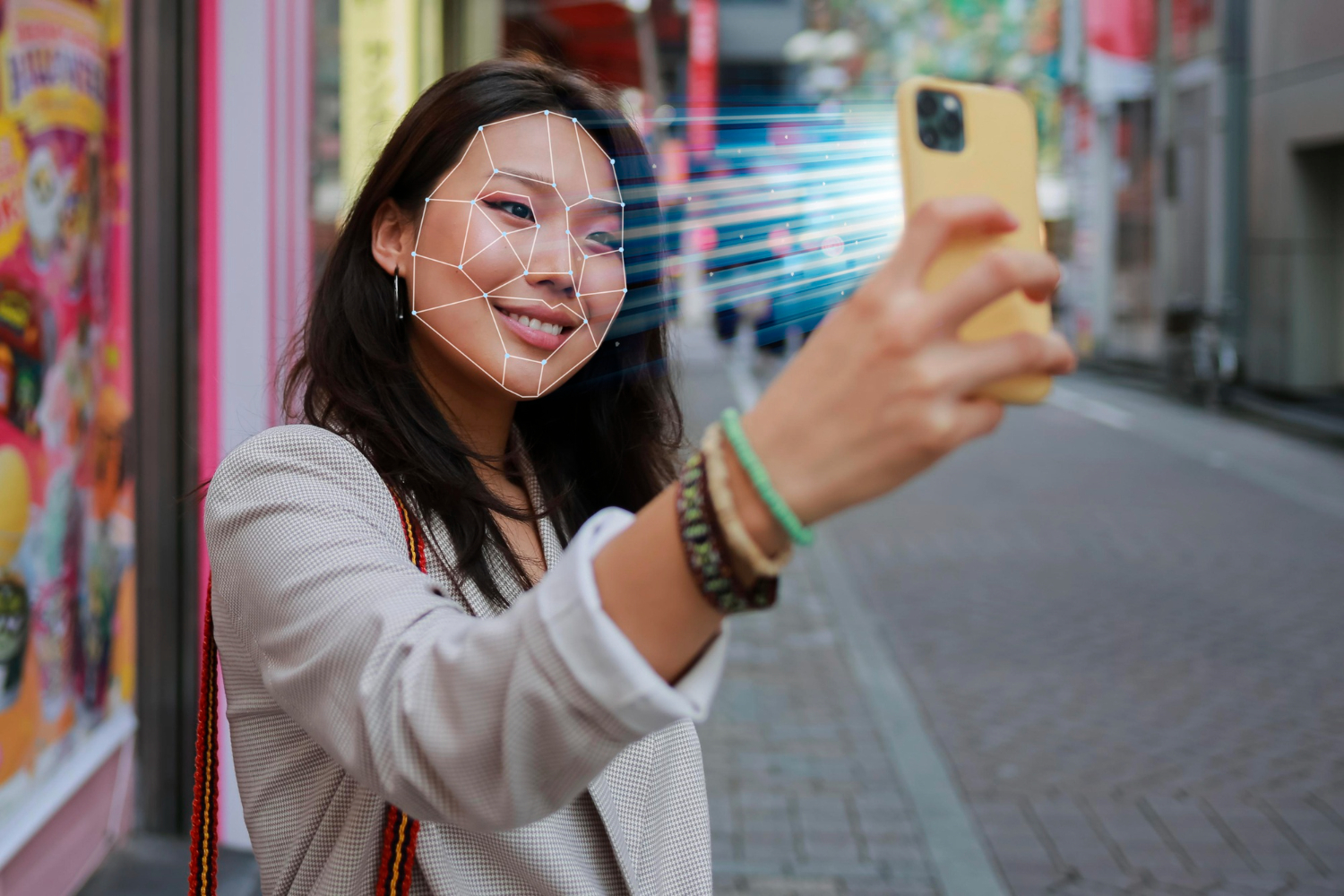
Looking for free alternatives to FaceCheck ID for reverse face search in 2026? FaceCheck ID is paid; most of what it does, finding where a face appears online, can be done for free using a combination of dedicated face-search engines, reverse image search, and developer APIs.
This guide ranks 12 FaceCheck ID alternatives by what they’re actually best at: dedicated facial recognition, broad reverse image search, identity verification, and developer-grade APIs. We’ve verified pricing and signup requirements as of May 2026, so you know exactly what’s free, what needs an account, and where each tool’s accuracy peaks.
Quick answer: For most casual research, Google Images + Yandex Images + PimEyes free tier covers 80% of what FaceCheck ID offers. Dedicated tools like PimEyes and Social Catfish fill gaps for specific use cases.
FaceCheck ID Alternatives at a Glance
| # | Platform | Best for | Free access | Account needed |
|---|---|---|---|---|
| 1 | Lenso.ai | Advanced facial recognition | Free search | No |
| 2 | Eyematch.ai | Exact reverse face search | Free search | No |
| 3 | PimEyes | Dedicated facial recognition | Blurred match previews | No (paid for full URLs) |
| 4 | Google Images Reverse | General reverse image search | Unlimited free | No |
| 5 | TinEye | Finding image copies / sources | Free basic searches | No (account for history) |
| 6 | Social Catfish | Catfish verification + romance scam checks | Limited free preview | Account for full reports |
| 7 | Yandex Images | Face matches Google misses | Unlimited free | No |
| 8 | Bing Visual Search | Alternative to Google for reverse search | Unlimited free | No |
| 9 | Betaface | Face analysis (age, gender, similarity) | Demo + free API tier | Account for API key |
| 10 | Amazon Rekognition | Developer-grade face search at scale | 5,000 images/month free tier | AWS account |
| 11 | Clarifai | Custom face search applications | Free developer tier | Account required |
| 12 | Manual Social Search | Targeted profile lookup with context | Free (depends on platform) | Platform accounts |
Best FaceCheck ID Alternatives for Face Search in 2026
1. Lenso.ai
Lenso.ai is the best FaceCheck.ID alternative as it returns only exact face matches, and thanks to its enormous index, anyone will probably find a match there. It can be very helpful for potential copyright infringement verification or simply to verify where your images appear online.
What’s free: You can search and view the results for free. You also get 3 free alerts.
What’s paid: You need to pay to unlock the sources or access advanced and deeper face search.
Best for: Exact face search and deeper investigation with advanced filters.
Caveat: It does not provide links to social media accounts.
2. Eyematch.ai
Eyematch.ai is another FaceCheck.ID alternative that performs reverse face search far better. It does not have many extra features, but it simply provides you with the information you may be looking for.
What’s free: You can search and view the results for free.
What’s paid: You need to pay to unlock the sources or access advanced search.
Best for: Reverse face search.
Caveat: It does not offer many features.
3. PimEyes
PimEyes is the most direct facial recognition alternative to FaceCheck ID. Upload a photo and it scans hundreds of millions of public web images for matches.
What’s free: See whether a face has matches online (blurred thumbnails confirm matches exist). Useful for verifying that a person has a digital footprint before paying.
What’s paid: Full match URLs starting around $30/month. Higher tiers add monitoring (alert when a face appears in new images) and takedown assistance for victims of image-based abuse.
Best for: Confirming whether a face exists across the public web. Investigative journalists and OSINT researchers use PimEyes extensively. Use responsibly and ethically.
Caveat: PimEyes does not search inside social platforms, only public web pages. Some jurisdictions restrict commercial use of facial recognition; check local laws before using for background checks or hiring.
4. Google Images (Reverse Search)
Google Images reverse search is the most universally accessible face-search starting point in 2026. Upload a photo or paste an image URL via Google Lens, and Google returns visually similar images and source pages.
What’s free: Unlimited searches, no signup, works in any browser, both desktop and mobile.
Best for: Identifying the source of an image (where it first appeared), checking if a photo has been used elsewhere (catfishing detection), and finding higher-resolution versions of a known image.
Caveat: Google’s algorithm prioritizes visual similarity broadly, not face-specifically. Works best when the photo has unique background context. Less effective for finding the same person in different photos.
5. TinEye
TinEye is the oldest reverse image search engine (launched 2008) and specializes in finding exact and near-duplicate copies of an image across the web. Not a face search per se, but invaluable for image provenance.
What’s free: Unlimited basic searches without account. TinEye has indexed billions of images.
What’s paid: Paid API plans for businesses needing programmatic access; one-time match credits available.
Best for: Verifying whether a profile photo has been used on other websites (common signal of catfishing), tracing image sources for journalism, and finding the original photographer of an image.
Caveat: Won’t find different photos of the same person, only copies or close variations of the exact image you upload.
6. Social Catfish
Social Catfish is purpose-built for identity verification and catfish detection. Combines reverse image search with phone, email, and name lookups to verify whether someone is who they claim to be online.
What’s free: Limited preview shows whether matches exist.
What’s paid: Full reports start around $5.99 for a single report or $27.99/month for unlimited searches.
Best for: Dating-app users verifying matches before meeting, victims of romance scams trying to trace fraudsters, and anyone vetting an unfamiliar online contact. Strong focus on US-based identity records.
Caveat: Limited international coverage. The free preview is genuinely limited, most useful information requires a paid report.
7. Yandex Images
Yandex Images is the secret weapon of OSINT researchers in 2026. Its reverse-image search frequently surfaces face matches that Google Images misses, particularly for Eastern European and Russian content.
What’s free: Unlimited searches, no signup. Available worldwide.
Best for: Finding social media profile photos when Google fails. Yandex’s facial recognition is notably more aggressive than Google’s, it will return matches that Google’s algorithm filters out. Used by journalists and researchers for years specifically for this reason.
Caveat: Coverage of Western social platforms varies. Some users have privacy concerns about a Russian-owned service receiving uploaded face images, review your use case before uploading.
8. Bing Visual Search
Microsoft’s Bing Visual Search is the third major reverse-image option after Google and Yandex. Often produces different results than Google due to a different index.
What’s free: Unlimited searches, no signup. Integrated into Bing.com and the Microsoft Edge browser.
Best for: Cross-checking results from Google. When Google fails to find a match, Bing or Yandex sometimes succeeds. All three should be searched for comprehensive coverage.
Caveat: Smaller index than Google. Best used as a complement, not a primary search.
9. Betaface
Betaface is a face analysis service offering both consumer demos and a paid API. It analyzes facial features, estimates demographics, and compares faces for similarity scoring.
What’s free: Demo on the website lets you compare two faces, detect facial landmarks, and get age/gender estimates without signup.
What’s paid: API access for developers, with usage-based pricing.
Best for: Developers building face-comparison or face-analysis features into applications. Useful for “are these two photos the same person?” questions rather than open-web search.
Caveat: Not a search engine, it doesn’t index the web. You provide both images to compare; it doesn’t find new images on its own.
10. Amazon Rekognition
Amazon Rekognition is AWS’s facial analysis and comparison service. Built for developers and enterprises needing face search at scale (millions of images, sub-second matching).
What’s free: AWS free tier includes 5,000 image analyses per month for the first 12 months.
What’s paid: Usage-based pricing after the free tier, typically $0.001-$0.01 per image depending on operation.
Best for: Building face search into your own application (e.g., a security camera system, a member database, a content-moderation tool). Not a consumer-facing search tool.
Caveat: Requires programming and an AWS account. Subject to AWS’s responsible-use policies and applicable regulations on facial recognition.
11. Clarifai
Clarifai is an AI-powered visual recognition platform offering face detection, face search, and custom model training. Similar developer-focused use case to Amazon Rekognition with a different feature set.
What’s free: Free tier for development with limited monthly API calls.
What’s paid: Tiered usage plans for production deployments.
Best for: Developers wanting pre-trained face-search models without the complexity of Amazon’s broader ecosystem. Good documentation, simpler onboarding than Rekognition for first-time users.
Caveat: Like Rekognition, this is a building-block API, not an end-user search tool. Subject to similar regulatory considerations.
12. Manual Social Media Search
Sometimes the most effective face-search tool is targeted manual searching of social platforms, Facebook, LinkedIn, Instagram, X (Twitter), TikTok, combined with context clues like location, occupation, or name fragments.
What’s free: Free with platform accounts. Some platforms (LinkedIn especially) index profile photos well.
Best for: Verifying a specific identity when you have other clues (a name, an employer, a city). Combined with reverse image search, manual social lookup often succeeds where pure face search fails.
Caveat: Slow and labor-intensive. Most platforms actively block automated reverse-image lookups against their profile photos. Respect platform terms of service and privacy expectations.
How to Combine These Tools for Best Results
No single tool beats FaceCheck ID by itself, but combining the right ones consistently does. A practical workflow:
- Start with Google Lens, fast, free, finds image sources.
- Run Yandex Images, catches face matches Google misses.
- Try PimEyes free tier, confirms whether the face exists anywhere on the public web.
- Use TinEye if you suspect the photo is reused from elsewhere.
- Manual social search with any contextual clues from steps 1-4.
Ethical Considerations
Face search technology raises significant privacy concerns. Use these tools responsibly, verify business contacts, protect against fraud, reconnect with lost friends. Never use for stalking, harassment, surveillance of strangers, or commercial decisions (hiring, lending, insurance) where automated facial recognition may be illegal in your jurisdiction. The EU AI Act and several US state laws (Illinois BIPA, Texas, Washington) restrict commercial use of facial recognition. When in doubt, consult a lawyer.
Related Research Tools
Face search pairs with other research tools for comprehensive verification. Explore Google Search alternatives for privacy-focused research, check out BeenVerified alternatives for people search, and discover Carfax alternatives for vehicle verification.
Conclusion
FaceCheck ID is a convenience tool, not a data-exclusivity tool. The information it surfaces is available, often more comprehensively, through a combination of free reverse image search engines (Google, Yandex, Bing), dedicated facial recognition (PimEyes free tier), and targeted manual social searching. For most casual research, you never need to pay for a face search subscription. For professional use cases involving repeated face matching at scale, developer APIs from Amazon, Clarifai, and Betaface are vastly more cost-effective than consumer subscriptions.
Frequently Asked Questions
What is the best free FaceCheck ID alternative?
For most casual research, Google Images reverse search is the strongest free starting point, no signup, unlimited use. For dedicated facial recognition, PimEyes free tier shows blurred matches; paid unlocks full URLs. Yandex Images often returns face matches Google misses.
Is reverse face search legal?
In most countries, yes, for personal research and curiosity. Commercial use (background checks, hiring) is increasingly regulated. The EU AI Act restricts commercial facial recognition; several US states have biometric privacy laws. Use these tools responsibly.
Can I find someone on social media using their photo?
Reverse face search can sometimes match a public profile photo, but most social platforms (Facebook, Instagram) actively block reverse-image indexing. Yandex and PimEyes have the best chance of surfacing social matches; LinkedIn profile photos are widely indexed.
Is PimEyes really free?
PimEyes free tier shows that matches exist (blurred thumbnails, no URLs) so you know whether to upgrade. Full access starts around $30/month. The free tier is useful for verifying a person has a digital footprint before paying.
What are the privacy concerns with face search tools?
Face search creates permanent records of the photos you upload, which providers can use to train models or share with partners. Read each provider privacy policy before uploading. Use a dedicated email address; avoid uploading photos of children; check if EU GDPR rights apply to your use case.