10 Best Free Photoshop Alternatives in 2026
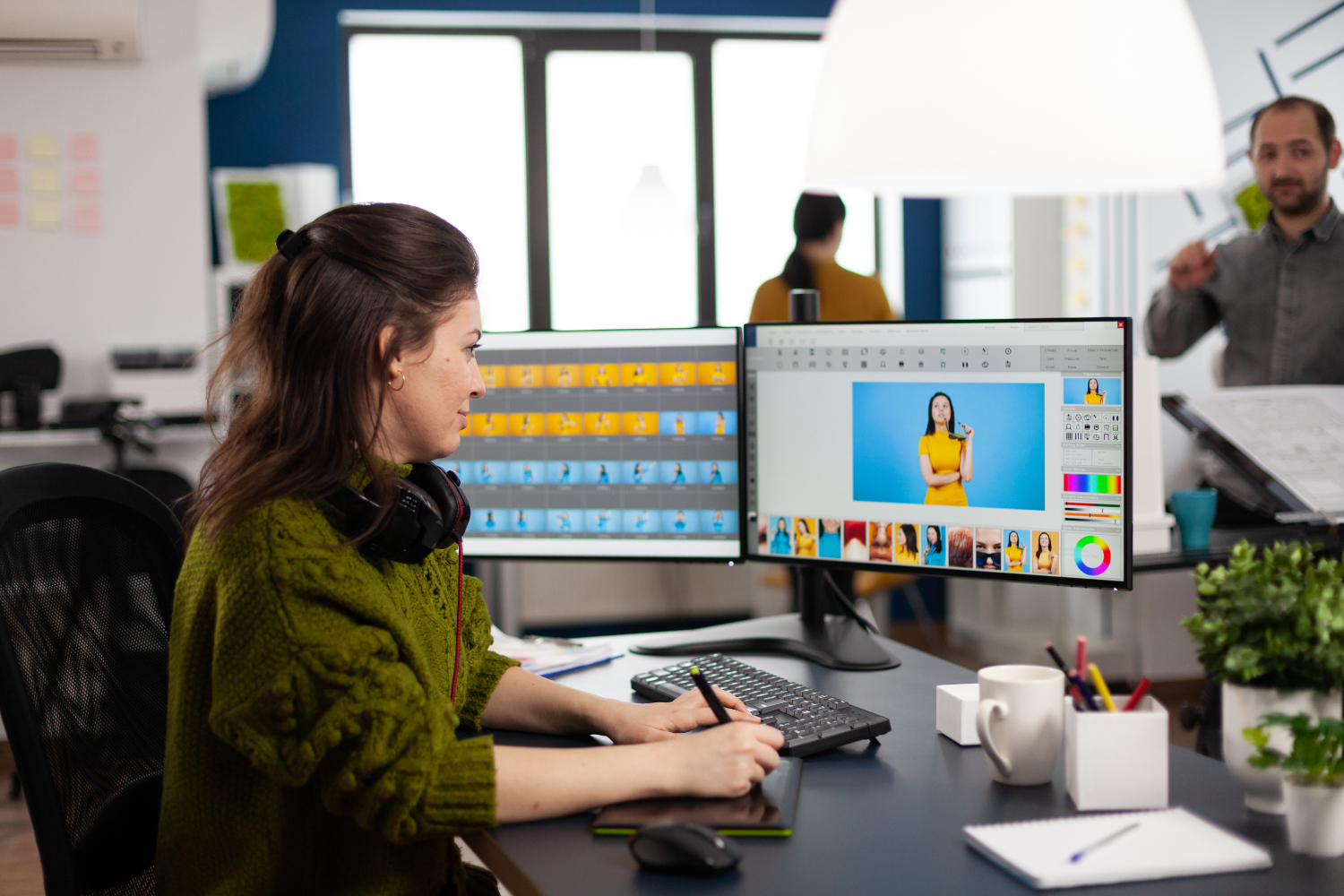
Adobe Photoshop still sets the standard that every other photo editor gets measured against, but a full Creative Cloud subscription is a hard sell if you’re a hobbyist, a student, or a small business owner who just needs to clean up product photos and knock out the occasional social graphic. The good news is that the free tier of photo editing has matured well past the “clunky knockoff” reputation it had a decade ago. Some of the tools below genuinely rival Photoshop for specific tasks, and a couple of them do things Photoshop still can’t.
What’s changed in the past few years isn’t just that free tools got better, it’s that the underlying browser technology and open-source rendering engines finally caught up to what used to require dedicated desktop hardware. A browser-based editor in 2020 was a novelty; in 2026 it can genuinely handle layered PSD files, real-time filters, and AI-assisted selections without the lag that used to make people give up and reopen the desktop app. That shift is why several of the tools below feel less like compromises and more like legitimate first choices, not just stand-ins until you can afford Adobe.
What “free” actually means across these tools
Before diving in, it’s worth separating three different flavors of free, because they lead to very different experiences. Open-source tools like GIMP and Krita are free forever, with no ads, no watermarks, and no feature gates, because there’s no company trying to upsell you. Freemium tools like Pixlr, Fotor, and Canva are free at a genuinely usable level but hold back premium filters, cloud storage, or batch processing behind a subscription. And browser-based tools like Photopea sit somewhere in between, free to use with ads, no account required, but donation or subscription options if you want the ad-free experience. None of these is a trick; just know which bucket you’re picking from.
GIMP
GIMP (GNU Image Manipulation Program) is the closest thing the free software world has to a direct Photoshop competitor, and it has been for over two decades. It supports layers, masks, custom brushes, a full selection toolkit, and a scripting console (Script-Fu and Python-Fu) for automating repetitive edits, exactly the kind of feature depth that separates a serious editor from a quick-fix app. It reads and writes PSD files reasonably well, though very complex Photoshop files with smart objects or certain adjustment layers can lose some editability on import.
The honest downside is the interface. GIMP’s default layout is dated, and its terminology doesn’t always match Photoshop’s, which means muscle memory from years of Adobe use doesn’t transfer cleanly. Community-built configurations like GIMP’s single-window mode and third-party themes such as GIMP-based distributions (GimpFocus, Photo-GIMP) narrow that gap considerably, and it’s worth installing one of them rather than fighting the stock interface. For anyone willing to spend a weekend learning it, GIMP is fully capable of complex compositing, retouching, and digital painting work.
Photopea
Photopea might be the single best argument that Photoshop’s interface, not just its feature set, has become an industry standard worth copying. It runs entirely in your browser, opens native PSD files directly (including layer groups, smart objects, and most adjustment layers), and mirrors Photoshop’s menu structure and keyboard shortcuts closely enough that switching feels like changing rooms in the same house rather than moving to a new building. There’s nothing to install, no account required for basic use, and it works on Chromebooks and tablets just as well as a full desktop.
The free version runs ads and has a soft cap on how large a canvas you can comfortably work with before performance degrades, since everything happens client-side in your browser rather than on dedicated hardware. For quick retouching, banner graphics, or opening a client’s PSD file on a machine that doesn’t have Photoshop installed, it’s hard to beat.
Krita
Krita is built by and for digital painters and illustrators first, photo editors second, and that focus shows in the quality of its brush engine. It ships with hundreds of customizable brushes that respond to pressure and tilt on a graphics tablet with genuinely impressive fidelity, plus stabilizers for smooth linework and a dedicated animation timeline for frame-by-frame work. If your “photo editing” actually means retouching combined with digital painting, matte painting over a photo background, adding painted elements to a portrait, Krita will outperform Photoshop’s more generalist brush engine in several respects.
It’s less suited to pure photo retouching workflows; there’s no dedicated RAW processing module, and its selection and masking tools, while solid, aren’t as deep as GIMP’s or Photoshop’s. Pair it with a RAW-specific tool like darktable if your workflow starts with camera files.
Paint.NET
Paint.NET occupies a genuinely useful middle ground: more capable than Microsoft Paint, far lighter and faster than GIMP, with a clean, modern interface that most people find intuitive within minutes. It supports layers, a solid range of adjustment tools, and a large library of community plugins that add effects, additional file format support, and automation. It’s technically donation-supported rather than strictly open-source, but the core application remains free to use.
The catch is platform: it’s Windows-only, with no official Mac or Linux build, which rules it out for a meaningful chunk of the audience shopping for Photoshop alternatives. For Windows users who find GIMP’s interface overwhelming and don’t need Krita’s painting focus, it’s often the fastest tool to get productive in.
Pixlr
Pixlr splits itself into two browser-based tools: Pixlr X for quick, guided edits and Pixlr E for a more traditional layered editing experience closer to Photoshop’s layout. Both run in the browser with no install, and both now lean heavily on AI-assisted features, background removal, object cleanup, and generative fill-style tools, that used to require a paid Photoshop plugin. There are also mobile apps that sync reasonably well with the web version.
The free tier includes ads and daily limits on some of the AI-powered tools, with a subscription unlocking unlimited use and higher-resolution exports. For social media graphics and quick product photo cleanup, especially on a phone, Pixlr’s mobile-first design is genuinely more convenient than trying to do the same task in a desktop-first tool.
Fotor
Fotor targets the same “quick, good-looking result with minimal effort” niche as Canva but with a stronger photo-editing core underneath. Its one-tap enhancement tools, background remover, and collage maker are aimed squarely at small business owners, content creators, and anyone producing marketing graphics who doesn’t want to learn layer masking. There’s a genuinely useful batch processing feature on the paid tier for anyone editing dozens of product photos with the same adjustments.
Purists will find it thin compared to GIMP or Photopea for precise pixel-level retouching, and several of its more impressive AI features are gated behind a subscription. As a fast, low-friction tool for non-designers who need professional-looking output without a learning curve, it does exactly what it promises.
darktable
darktable deserves a mention specifically for photographers shooting in RAW format, a use case none of the tools above handle particularly well. It’s a free, open-source RAW processor and photo management tool built around a non-destructive editing pipeline, meaning every adjustment is stored as an instruction rather than baked into the pixels, so you can always go back and tweak an edit from three months ago without quality loss. It handles exposure correction, lens distortion, noise reduction, and color grading at a level that genuinely competes with Adobe Lightroom, not Photoshop directly, but a natural companion tool for anyone whose editing starts at the camera file rather than an already-exported JPEG.
The interface is dense and assumes some familiarity with photography concepts like white balance and histogram reading, so it’s not the first stop for someone who just wants to brighten a phone photo. For serious photographers building a fully free workflow, pairing darktable for RAW processing with GIMP for pixel editing covers nearly everything a paid Adobe subscription would.
Canva
Canva isn’t a photo editor in the traditional sense, it’s a design tool with photo editing capabilities layered in, but it earns a spot here because so many people reaching for “Photoshop alternative” are actually trying to make a social graphic, a flyer, or a thumbnail rather than retouch a portrait. Its free tier includes background removal, basic adjustment tools, a huge template library, and enough stock photography to skip needing separate image sources for simple projects.
It will frustrate anyone trying to do precise photo manipulation, dodge-and-burn retouching, or complex compositing; that’s simply not what it’s built for. But for the very large number of people whose actual task is “make this look good for Instagram,” Canva gets there faster than any tool on this list.
Photoscape X
Photoscape X bundles a batch editor, a straightforward layered editing mode, and a lightweight RAW viewer into one free application, and it’s built around a workflow most people actually have: importing a folder of photos from a phone or camera, applying the same quick fix to all of them, and picking out a few for more detailed work. The batch tool alone, resize, rename, and apply a filter across hundreds of files in one pass, saves real time for anyone managing a large photo library without wanting to script it themselves.
It’s not aiming to compete with GIMP on depth, and its layered editing mode feels thinner than dedicated tools once you need more than basic adjustments and text overlays. For someone whose real problem is “I have four hundred vacation photos and need to quickly cull and lightly edit them,” it solves that specific problem better than any other tool on this list.
Polarr
Polarr made its name as a browser and mobile photo editor built around fast, filter-driven color grading, the kind of look you’d associate with a well-shot Instagram feed rather than technical retouching. Its free tier includes a genuinely capable set of curve and color tools, plus a large library of user-created filters you can apply and then fine-tune rather than accepting as-is. It syncs across desktop, web, and mobile, which matters if your editing habit is start on your phone, finish on a laptop.
Selective, brush-based edits and some of its AI enhancement tools sit behind a subscription, and it’s built for color and mood adjustments rather than pixel-level retouching or compositing. As a fast way to give a batch of photos a consistent, polished look before posting, it does that one job well.
Matching the tool to the actual task
The mistake most people make is picking one tool and expecting it to cover everything Photoshop does. Photoshop itself is really several tools stitched together: a RAW processor, a pixel editor, a digital painting canvas, and a layout tool for quick graphics. Once you accept that, the free ecosystem makes a lot more sense as a set of specialists rather than a single weaker generalist. A realistic free stack for a hobbyist photographer looks like darktable for RAW files, GIMP for detailed retouching, and Canva for the occasional social post, three separate tools, each one actually good at its job, instead of one tool doing everything adequately.
File compatibility and the PSD question
If you regularly receive PSD files from clients or collaborators who use actual Photoshop, compatibility matters more than raw feature count. Photopea has the best PSD round-trip fidelity of any free tool by a wide margin, since it was built specifically to read and preserve Photoshop’s native format. GIMP can open and export PSD files but tends to flatten or simplify certain layer types, smart objects in particular, on import, which can be a real problem if you need to hand a file back to a Photoshop user with its layer structure intact. If PSD compatibility is a recurring requirement rather than an occasional one, build your workflow around Photopea first and treat the others as supplementary.
Comparing the field at a glance
| Tool | Best for | Platform | PSD support |
|---|---|---|---|
| GIMP | Detailed retouching and compositing | Windows, Mac, Linux | Good, some layer loss |
| Photopea | Opening and editing client PSD files | Browser | Excellent |
| Krita | Digital painting and illustration | Windows, Mac, Linux | Limited |
| Paint.NET | Fast, simple layered editing | Windows only | Via plugin |
| Pixlr | AI-assisted quick edits on the go | Browser, mobile | Basic |
| Fotor | Marketing graphics without a learning curve | Browser, mobile | None |
| darktable | RAW photo processing | Windows, Mac, Linux | Not applicable |
| Canva | Social graphics and templates | Browser, mobile | None |
| Photoscape X | Batch editing large photo libraries | Windows, Mac | None |
| Polarr | Fast, filter-driven color grading | Browser, mobile | None |
Mobile editing deserves its own mention
A growing share of photo editing now happens on a phone before an image ever touches a desktop, and the free mobile landscape has its own set of standouts worth knowing separately from their desktop counterparts. Adobe’s own Photoshop Express and Lightroom mobile apps are free with limited premium features, and worth trying specifically because they’re built by the same company whose desktop tool everyone is trying to avoid paying for, which means the editing logic and presets translate directly if you ever do upgrade. Snapseed, Google’s free mobile editor, remains one of the most capable pure photo-editing apps on either app store, with a precise selective adjustment tool that rivals paid competitors. Pixlr’s mobile app carries over the same AI background removal and object cleanup tools from its browser version, which makes it a reasonable single choice if you want continuity between phone and desktop editing.
Frequently asked questions
Can any of these free tools fully replace Photoshop for professional client work?
For most commercial photography and design work, GIMP combined with Photopea covers a genuinely surprising amount of ground, retouching, compositing, color correction, and PSD delivery to clients who still expect that format. Where free tools consistently fall short is in plugin ecosystems; Photoshop’s third-party plugin marketplace, for things like advanced frequency separation retouching or specific print-production tools, doesn’t have an equivalent depth in the free space yet. Freelancers doing high-volume professional retouching still often end up paying for Photoshop eventually, but hobbyists and small businesses rarely hit that wall.
Is GIMP actually harder to learn than Photoshop, or is that reputation outdated?
It’s partly outdated and partly still true. The core concepts, layers, masks, selections, are identical, so anyone who already knows Photoshop will grasp GIMP’s logic quickly. What trips people up is terminology and menu placement not matching Adobe’s conventions, plus a default interface that looks noticeably more dated than Photoshop’s. Installing a Photoshop-style GIMP configuration or theme closes most of that gap within the first hour of use.
Do free tools produce lower-quality output than Photoshop?
No. Output quality is determined by the underlying image processing algorithms and the skill of the person editing, not by price. GIMP, Krita, and darktable all use industry-standard color science and produce files with the same technical quality as Photoshop exports. The gap between free and paid tools shows up in workflow convenience, plugin availability, and polish, not in the final pixels.
Which free tool is best for someone who has never used Photoshop at all?
Photopea is the gentlest entry point specifically because there’s nothing to install and the interface, while dense, follows a logical left-to-right layout that most people can navigate with a little exploration. For someone whose needs are simpler than “professional retouching,” Canva or Fotor will feel far less intimidating and get usable results faster, even though they’re not really photo editors in the traditional sense.
Plugins and extensions close more gaps than you’d expect
One of the more underrated aspects of the free editing ecosystem is how much a handful of well-chosen plugins can close the gap with paid software. GIMP’s plugin registry includes tools that replicate Photoshop staples like frequency separation retouching, panorama stitching, and focus stacking, features that used to be exclusive to paid software just a few years ago. G’MIC, a free image processing framework, plugs into both GIMP and Krita and adds hundreds of filters and artistic effects in one install, everything from film grain simulation to advanced noise reduction. Paint.NET’s plugin community, smaller but active, fills in gaps like additional file format support and batch processing that the base app lacks.
The tradeoff is discoverability. Photoshop bundles most of what a typical user needs out of the box and sells the rest through a curated plugin marketplace; the free tools require more research to find the right plugin for a specific task, and quality varies since anyone can publish one. Budget an hour of research before you conclude a free tool “can’t” do something Photoshop can; there’s a reasonable chance a plugin already solves it.
Related Design Tools
Expand your creative toolkit with complementary design software. Explore Canva alternatives for graphic design, check out Figma alternatives for UI design, and discover Lightroom alternatives for professional photo editing workflows.
Choosing a Free Editor in 2026
Start from the task, not the software. Detailed pixel-level retouching and compositing point toward GIMP or Photopea. Digital painting and illustration work point toward Krita. RAW photo processing points toward darktable. Fast social graphics and marketing collateral point toward Canva or Fotor. Most people land on a combination of two, rarely does a single free tool actually replace Photoshop’s full range, and that’s fine. The goal isn’t finding one app that does everything Adobe does; it’s finding the two or three that cover what you personally need without a monthly bill attached.