12 Best Sales Pipeline Software and CRM Tools in 2026
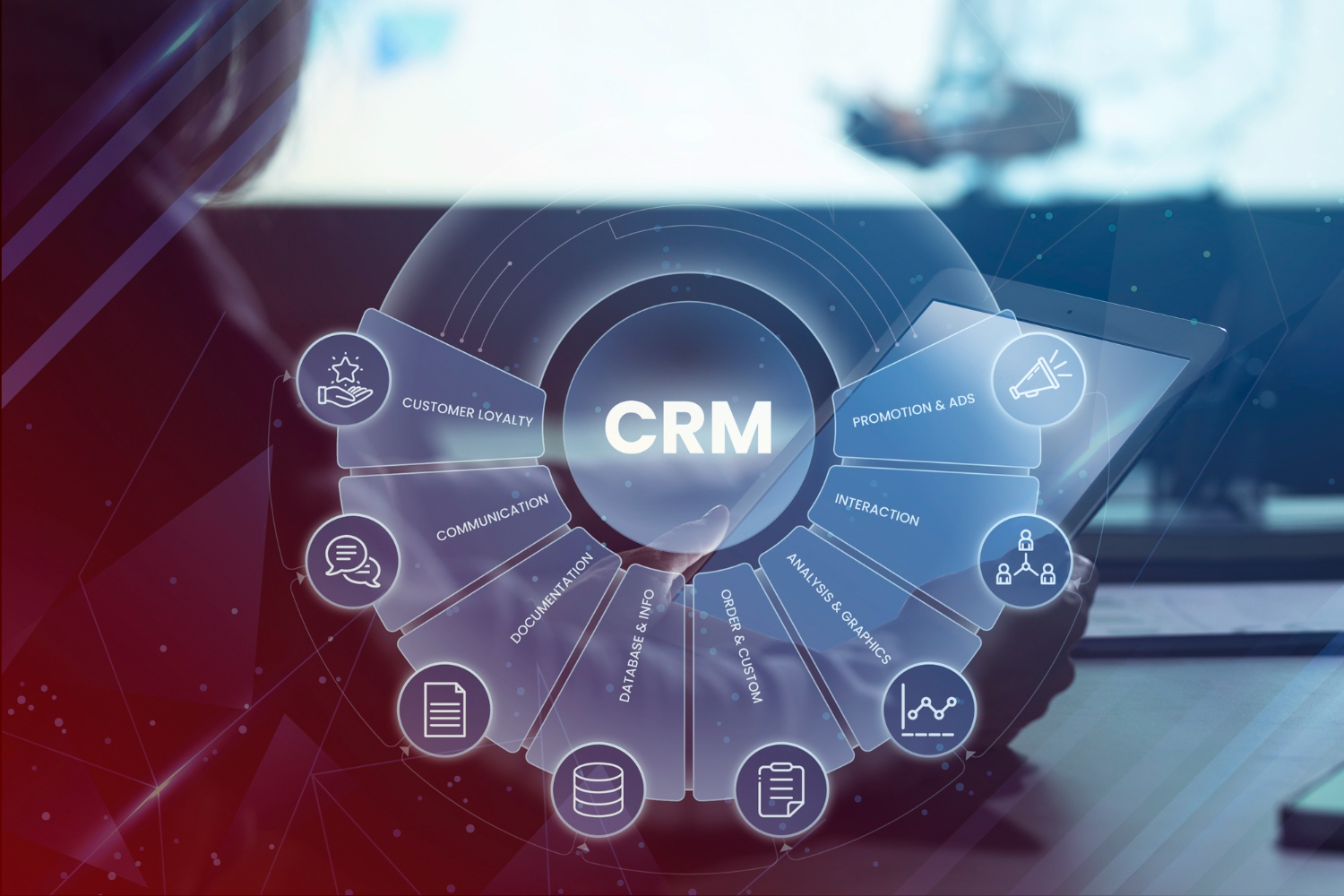
A sales pipeline is only as useful as the CRM tracking it, and in 2026 that software has quietly absorbed a lot of the manual work that used to eat a rep’s morning: logging calls, drafting follow-up emails, scoring which leads are actually worth chasing. The tools below cover the range from free starter CRMs to enterprise platforms built for sales orgs with hundreds of reps and multiple regions.
The category has split into two rough camps over the past few years. One group of CRMs tries to be the single system of record for an entire go-to-market team, bundling marketing, sales, and service together so nothing falls through the cracks between departments. The other group deliberately stays narrow, focusing on the pipeline itself and leaving marketing, support, and billing to specialized tools connected through integrations. Neither approach is objectively better; it depends on whether a business wants one vendor to manage or is comfortable maintaining a stack of best-of-breed tools that talk to each other.
Top Sales Pipeline and CRM Tools
1. HubSpot CRM
HubSpot’s free CRM tier is generous enough that a lot of small teams never outgrow it, which is exactly the point: it’s the on-ramp to HubSpot’s much larger marketing, sales, and service platform. Paid tiers add sequences, forecasting, and deeper automation, and because the whole suite lives under one roof, marketing and sales data stay in the same place instead of getting reconciled between two systems.
Pros: Free tier available, excellent integrations, intuitive interface, comprehensive marketing tools
Cons: Premium features expensive, per-seat pricing adds up, some limitations on free plan
Best for: Growing businesses wanting an all-in-one platform
2. Salesforce
Salesforce earned its reputation as the enterprise default the hard way: two decades of building out an ecosystem of apps, integrations, and consultants that can configure it to match almost any sales process, however unusual. That flexibility is also the catch. A Salesforce implementation that fits a large sales org well usually needs a dedicated administrator, and sometimes an outside consultant, to keep it running the way it was designed to.
Pros: Highly customizable, powerful automation, extensive app marketplace, enterprise-grade
Cons: Steep learning curve, expensive, requires dedicated admin
Best for: Large enterprises with complex sales processes
3. Zoho CRM
Zoho CRM sits in the value slot: an AI assistant for lead scoring, workflow automation, and access to Zoho’s broader suite of business apps (accounting, help desk, project tracking) without the enterprise price tag. Teams that are already using other Zoho products tend to get the most out of it, since data flows between them without a separate integration layer.
Pros: Affordable pricing, AI features, comprehensive suite, good customization
Cons: Interface dated, support can be slow, some features complex
Best for: SMBs seeking value with enterprise features
4. Pipedrive
Pipedrive was built around one idea: sales reps think in pipelines, not spreadsheets, so the whole interface is a visual, drag-and-drop deal board. It doesn’t try to be a marketing platform or a service desk, and that focus is exactly why sales teams who’ve been burned by overbuilt CRMs tend to like it. Activity reminders nudge reps to follow up rather than letting deals go stale.
Pros: Visual pipeline, easy to use, activity reminders, good mobile app
Cons: Limited marketing features, basic reporting, less customizable
Best for: Sales teams wanting simplicity and visual pipeline management
5. ActiveCampaign
ActiveCampaign leans into automation more than most CRMs on this list, pairing pipeline tracking with email sequences that can branch based on how a lead behaves. Businesses that treat sales and nurture marketing as one continuous process, rather than two separate departments, tend to get the most value out of it.
Pros: Excellent automation, email marketing included, good value, predictive sending
Cons: CRM less robust than dedicated tools, can be complex
Best for: Businesses combining sales and email marketing automation
6. Freshsales
Freshsales, part of the Freshworks family, targets teams that want Salesforce-level features without the Salesforce-level setup time. Built-in phone and email tracking means reps don’t need to bolt on a separate dialer, and the AI-driven deal insights flag which opportunities are cooling off before a rep would otherwise notice.
Pros: Built-in phone and email, clean interface, solid free tier, AI deal scoring
Cons: Advanced automation locked behind higher tiers; fewer third-party integrations than Salesforce or HubSpot
Best for: Mid-sized teams wanting built-in communication tools without extra setup
7. Monday Sales CRM
Monday.com built its CRM on top of the same flexible board-and-column system that made its project management product popular, which means teams that already use Monday for other work can extend the same interface to sales without learning a new tool. Custom fields and automations are easy to set up without technical help, which is either a strength or a limitation depending on how much structure a sales team actually wants.
Pros: Highly customizable boards, easy automation builder, familiar interface for existing Monday.com users
Cons: Sales-specific features (like forecasting) are less mature than dedicated CRMs; can require real setup discipline to avoid a messy board
Best for: Teams already using Monday.com for project management who want sales tracking in the same place
8. Copper CRM
Copper was built specifically for teams that live in Gmail and Google Workspace, and it shows: the CRM sits directly inside Gmail, automatically logging emails and calendar events against the right contact without a rep having to manually enter anything. For agencies and consultancies that already run entirely on Google’s tools, that native fit removes a lot of the friction that usually comes with adopting a new CRM.
Pros: Deep Google Workspace integration, low manual data entry, clean and simple interface
Cons: Less useful for teams outside the Google ecosystem; fewer advanced features than Salesforce or HubSpot
Best for: Google Workspace-native teams, especially agencies and consultancies
9. Keap
Keap (formerly Infusionsoft) targets small businesses that want CRM, email marketing, and payments in a single subscription rather than stitching together three separate tools. Its automation builder was one of the earlier examples of visual workflow design in this category, letting a small business owner build a lead-to-customer sequence without writing a line of code.
Pros: Combines CRM, marketing automation, and payments; strong automation builder; good for solo founders and small teams
Cons: Pricing is steep relative to feature set for very small teams; interface feels dated next to newer competitors
Best for: Small businesses wanting CRM, marketing, and payments bundled together
10. Close CRM
Close was built by a team that got frustrated with how much clicking around traditional CRMs required, so it optimized hard for speed: built-in calling, SMS, and email that a rep can trigger without leaving a deal record. Inside sales teams that spend most of their day on the phone tend to gravitate toward it because the whole interface is designed around outbound call volume rather than long-cycle enterprise deals.
Pros: Built-in calling and SMS, fast interface built for high call volume, straightforward pricing
Cons: Less suited to complex, multi-stakeholder enterprise sales; smaller integration library than Salesforce
Best for: Inside sales teams doing high call and email volume
11. Zendesk Sell
Zendesk Sell grew out of Zendesk’s customer service roots, and that lineage shows in how naturally it hands a customer off between sales and support without losing context. Teams already running Zendesk for support tickets get the most value here, since a rep can see a prospect’s entire history, sales conversations and support tickets alike, in one timeline instead of switching between two systems.
Pros: Strong handoff between sales and support, built-in call tracking, works well alongside Zendesk’s support products
Cons: Most valuable when already using other Zendesk products; smaller marketplace of integrations than Salesforce or HubSpot
Best for: Teams that need tight coordination between sales and customer support
12. Insightly
Insightly positions itself between the simplicity of Pipedrive and the depth of Salesforce, adding project management features on top of standard pipeline tracking so a deal can flow directly into a delivery or onboarding project once it closes. That makes it a common choice for service-based businesses where “closing the deal” is really just the start of the actual work.
Pros: Built-in project management after the sale closes, solid reporting, reasonable mid-tier pricing
Cons: Interface feels less modern than newer entrants; automation is less flexible than dedicated marketing-focused CRMs
Best for: Service businesses that need to track a customer from lead through delivery
How to Actually Narrow This List Down
Most teams don’t need a bake-off between all twelve of these; they need to answer three questions honestly. First, how complex is the sales process? A single-call, transactional sale (like Close or Pipedrive are built for) needs a fundamentally different tool than a six-month enterprise deal with five stakeholders (which is Salesforce’s territory). Second, does the CRM need to double as a marketing or communication tool, or is there already a separate system for that? ActiveCampaign and HubSpot assume the CRM and marketing live together; Copper and Close assume they don’t. Third, what’s already in the tech stack? A team that lives in Gmail will get more value out of Copper on day one than out of a more powerful CRM that requires new habits to get any benefit from.
Free trials exist for a reason, and with CRMs specifically, the trial period matters more than the feature comparison chart. A CRM that looks perfect in a demo can fall apart once real deal data and a real rep’s daily habits get loaded into it. Import an actual pipeline, not a handful of test records, and watch how the team actually uses it for two weeks before deciding.
What a Deal Actually Looks Like Moving Through These Tools
A lead comes in from a form fill, a referral, or an outbound call, and the first thing that matters is how much manual work it takes to get that lead into the pipeline at all. In HubSpot or ActiveCampaign, a web form submission creates a contact and a deal automatically, with the marketing history already attached. In Close or Pipedrive, a rep working outbound might create the deal manually the moment they get someone on the phone, since those tools are built around active outreach rather than inbound capture. Either way, the deal now sits in a stage, usually something like “new,” “contacted,” or “qualified,” and the CRM’s job from here is to make sure nothing about that deal goes stale without someone noticing.
That’s where automation earns its keep. A deal that hasn’t been touched in five days should trigger a reminder, not silently age in a pipeline stage until someone happens to scroll past it. Keap and ActiveCampaign can layer email sequences on top of that same logic, so a lead that’s gone quiet gets a nurture email automatically while a rep also gets a task to follow up personally. When the deal finally closes, the better integrated platforms (HubSpot, Insightly, Zoho) can hand it off to onboarding, billing, or support without the customer having to repeat information they already gave the sales rep. That handoff, more than any single feature on a comparison chart, is usually what separates a CRM that feels like it’s working from one that feels like extra data entry.
Common Questions About Choosing a CRM
Is a free CRM tier ever good enough long-term?
For very small teams, sometimes yes. HubSpot’s free tier in particular covers basic contact and deal tracking well past what a two- or three-person sales team needs. The limits usually show up around automation, reporting depth, and the number of users, not around core pipeline tracking.
How much does switching CRMs actually cost a team?
More than the subscription price suggests. Beyond the data migration itself, there’s the time cost of reps relearning a new interface and rebuilding habits around it, plus any custom automations or integrations that need to be rebuilt from scratch. It’s worth treating a CRM choice as a multi-year commitment rather than something to revisit every renewal cycle.
The migration itself also carries real risk beyond time. Deal notes, email history, and custom fields don’t always map cleanly between platforms, and a rushed migration can quietly lose context that took years to build up, like why a particular account churned once or what a specific contact’s actual title is versus what’s listed. Running the old and new systems in parallel for a few weeks, rather than cutting over on a single day, catches most of those gaps before they become permanent.
Do small teams need CRM automation, or is manual tracking fine?
Manual tracking works until it doesn’t, usually right around the point where a team has more active deals than one person can hold in their head. Automated follow-up reminders and lead scoring don’t replace a rep’s judgment, but they catch the deals that would otherwise quietly go cold from simple forgetfulness.
Should marketing and sales share one CRM or use separate tools?
Sharing one system avoids the classic problem of marketing generating leads that sales can’t see clearly, or sales closing deals that marketing has no visibility into. HubSpot and ActiveCampaign are both built around that shared view; if a team is using separate tools for each function, it’s worth checking whether an integration exists so the two sides aren’t working from different data.
Even with a shared system, the two teams often need different default views of the same data. A marketer wants to see funnel-wide conversion rates across hundreds of leads at once; a sales rep wants to see the five deals sitting in their queue today. Most of the platforms above let you build separate dashboards for each role on top of the same underlying data, which avoids the alternative of running two disconnected systems that inevitably drift out of sync with each other.
What’s the real difference between a CRM built for outbound versus inbound sales?
An outbound-focused CRM like Close is optimized around how fast a rep can dial the next number and log the outcome, since the volume of activity is the whole game. An inbound-focused CRM like HubSpot is optimized around nurturing a lead that’s already shown interest, tracking the content they’ve engaged with and timing outreach around that behavior rather than around call volume. Using an outbound tool for an inbound motion, or the reverse, tends to feel clunky because the default workflows assume the wrong starting point.
Is it worth paying for a CRM’s built-in calling and SMS features, or using a separate tool?
For teams doing high call volume, keeping calling inside the CRM (as Close and Freshsales both do) saves a meaningful amount of time since call logs and notes attach to the deal automatically. For teams that make fewer, longer calls, a separate dedicated calling tool with a CRM integration often has better call quality and features, and the extra step of logging the call manually isn’t a real burden.
Pricing structures on CRM platforms change fairly often, especially around per-seat costs and what’s included at each tier, so it’s worth checking current plans directly on each vendor’s site before budgeting for a rollout across a full sales team.